Imagine an examiner asks your agency what your customer due diligence procedure said fourteen months ago, when a specific transaction took place. If the honest answer is “we’re not sure, we’ve updated it a few times since and didn’t keep the old versions,” that’s a genuine problem, and it has nothing to do with whether your current procedure is any good. Document control isn’t a neatness exercise. For AML/CTF, it’s the thing that lets you prove, at any point in time, exactly what your program said and that your team was actually working from the current version.
Here’s what proper document control actually involves, and why the details matter more than they seem to at first.
What document control actually means
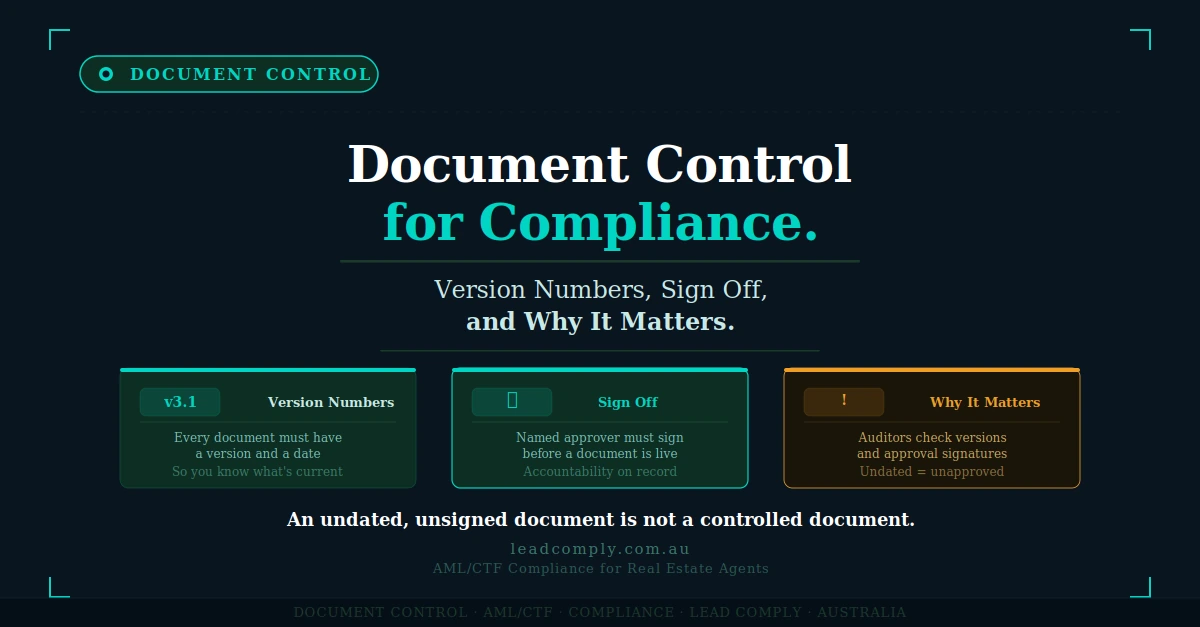
At its simplest, document control is the discipline of knowing, for any document in your program, three things: what version it is, who approved it and when, and where the previous versions went. That sounds basic, and it is, which is exactly why it’s so often skipped in the rush to just get a program written.
A working system needs a version number on every document (even something as simple as v1.0, v1.1, v2.0), the date it was last updated, who made the change, and who approved it. This doesn’t need to be complicated. It needs to be consistent, and it needs to actually be followed rather than existing as a template nobody fills in properly.
Why sign off is more than a formality
We touched on this in relation to governance: a signature on a cover page means nothing if nobody with real authority actually read the document. Document control is what makes that sign off meaningful in an ongoing sense, not just at the moment the program was first written.
Every time a policy or procedure changes, someone with genuine authority needs to approve that specific change, and that approval needs to be recorded against that specific version. This creates something valuable beyond compliance box ticking: a clear record that your senior manager or principal has been genuinely engaged with the program as it evolves, not just at the start when it was first drafted.
The problem of the version nobody’s using
Here’s a scenario that happens more often than agencies realise. A procedure gets updated in March. The updated version is emailed around, and most people open it. But a printed copy from the previous version is still pinned to a noticeboard in a branch office. A staff member who joined in January saved the old version to their desktop and never checked for an update. Six months later, when something goes wrong, it turns out at least one staff member was working from an outdated procedure the whole time.
This is why document control needs a distribution element, not just a versioning one. There should be one genuine source of truth, one place staff know to check, and no ambiguity about whether the copy they’re looking at is current. If your program exists as multiple PDFs scattered across email threads and desktops, you don’t actually have version control, you have version chaos with a numbering scheme on top.
Why old versions need to be archived, not deleted
This is the part that surprises people, because it seems to work against everything else document control is meant to achieve. Once a document is updated, shouldn’t the old version just be discarded?
No, and this matters specifically because of the seven year record keeping obligation. If an examiner asks about a transaction from over a year ago, the relevant question isn’t what your CDD procedure says today, it’s what it said at the time that transaction happened. If you’ve only kept your current version and quietly deleted everything before it, you can’t actually answer that question, even if you were entirely compliant at the time.
A proper system keeps every superseded version, clearly marked as archived and dated, alongside a simple record of which version was in effect during which period. This turns an awkward gap into a straightforward answer: “here is exactly what our procedure required in March last year, and here’s the version currently in effect, and here’s the date it changed.”
A worked comparison
Agency one updates its CDD procedure periodically as their risk assessment develops, but only keeps the most recent version each time, overwriting the file directly with no archive. When asked about a transaction from over a year ago, they can only produce their current procedure and have no way of confirming whether it matches what was actually in effect at the time.
Agency two keeps every version in a simple archive folder, with a one page version log noting the date range each version was active, who approved each change, and a short note on what changed and why. When asked the same question, they pull the exact version that was current on the transaction date within minutes, complete with the approval record showing their principal signed off on it.
Both agencies might have been equally compliant at the time. Only one of them can actually prove it.
A practical system a small agency can genuinely maintain
You don’t need enterprise document management software for this. A simple, honestly maintained system beats an elaborate one nobody keeps up with.
Keep a single shared folder structure: a “Current” folder holding only the live versions of every document, and an “Archive” folder holding everything superseded, organised by date. Keep one master version log, a simple table listing every document, its current version number, the date it was last updated, who approved the change, and a brief note on what changed. Update that log every single time something changes, no exceptions, because a log with gaps is barely better than no log at all.
Where this fits into your broader program
Document control connects directly back to governance and to the policy, procedure, work instruction structure we’ve covered already. None of those layers mean much without a genuine system ensuring the right version reaches the right person and the history is preserved when it changes.
The Lead Comply AML Portal handles a meaningful part of this naturally, since the workflows your staff actually use are always the current version by design, there’s no risk of someone working from an outdated printed copy of a screen based process. For the Program Manual itself, we build proper version control and sign off discipline into the document from day one, rather than leaving it as an afterthought your team has to maintain alone. If you’re not sure whether your current document control would actually hold up if you were asked what your procedure said at a specific point in the past, that’s exactly the kind of gap our free Compliance Gap Audit is designed to surface.
Create your free account and book No Obligation Compliance Gap Audit→ Lead Comply AML Portal
